Build the App That Fits How You Actually Work
Your team juggles texts, emails, spreadsheets, and paper forms to keep things running. Your customers wish they had one clear place to check in, make requests, and stay updated. A custom app fixes both problems without asking anyone to change how they operate.
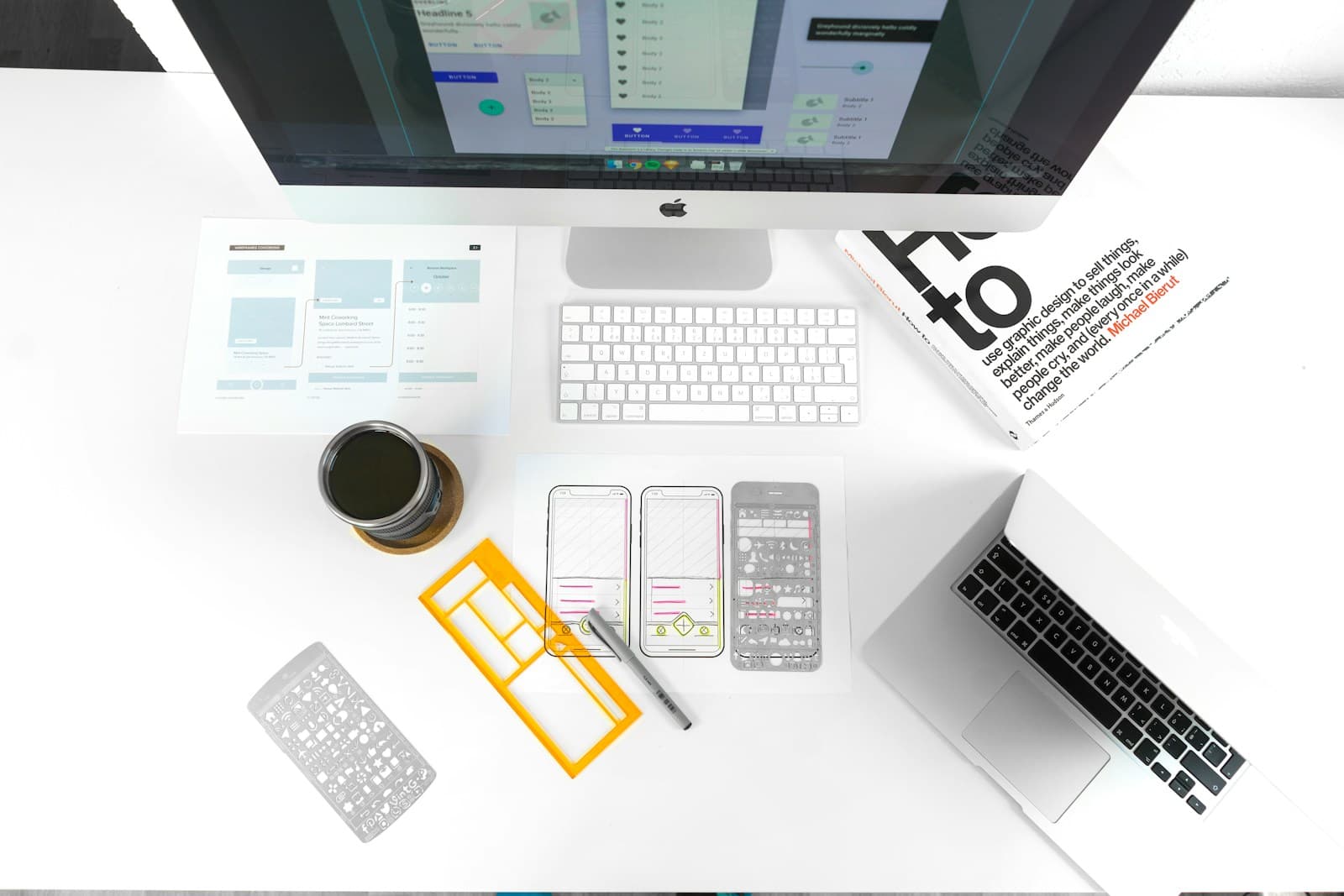
Core App Workflows
Pick one core workflow and one business example. That is how every successful first app starts: one clear workflow, one clear audience, and one practical launch target.
Communication and Coordination
Replace scattered texts, emails, and phone calls with one organized hub. Staff post updates. Customers check status. Everyone sees what they need without chasing anyone down. Think of it as a private channel for your business where messages actually get read.
Common use cases: team announcements, shift schedules, parent-teacher updates, customer status notifications.
Requests, Forms, and Approvals
Let customers and staff submit requests directly through the app. Service requests, maintenance reports, permission slips, scheduling changes. Each request routes to the right person with all the information attached. No more digging through email threads to find what someone asked for last week.
Common use cases: service requests, repair tickets, supply orders, time-off requests, form submissions.
Branded Client Experiences
Give your customers a branded mobile experience that reflects your business. Your name, your colors, your personality. Customers interact with your company, not a generic platform. That builds trust and keeps your brand front and center every time they open their phone.
Common use cases: customer portals, loyalty programs, service tracking, appointment management, onboarding flows.
Retention and Ongoing Engagement
Keep customers coming back with features that make your business part of their routine. Push notifications for relevant updates. Easy reordering or rebooking. Loyalty tracking that rewards consistency. The best retention strategy is making your business the easiest option to use again.
Common use cases: push notifications, loyalty points, rebooking shortcuts, content delivery, referral tracking.
Industry Playbooks
These are starting points we tailor to your business and audience. Each playbook combines a core workflow with a specific industry context to show what a practical first release looks like.
Schools and Daycares
One hub for teachers, staff, and families. Daily updates go out through the app instead of a chain of texts. Parents check schedules, submit forms, and receive announcements in one place. Staff coordinate without juggling multiple platforms. The first version focuses on the communication workflow that saves the most time for administrators.
See education solutionsDry Cleaners and Storage Teams
Smoother customer updates without tying up the front desk. Customers get notified when their order is ready or when a payment is due. They can check status, request pickups, and manage their account from their phone. Your team spends less time on the phone and more time on the work that keeps the business running.
See service solutionsAuto Shops and Service Teams
Internal flow plus customer updates. Technicians log job progress. Service writers see real-time status. Customers get automated updates when their vehicle moves through the repair process. The first version usually focuses on the handoff between the service writer and the customer, which is where most communication breaks down.
See auto solutionsHow We Deliver Your App
Our delivery process is designed to get a working app into real hands as fast as possible. We scope tightly, launch privately, and improve based on actual usage, not assumptions.
Plan the First Version
We start with a focused planning session. Who are the primary users? What is the one workflow that delivers the most value? What does the simplest useful version look like? We answer those questions before writing any code. The goal is a scope document you can read in ten minutes that describes exactly what gets built first.
- Identify your core workflow and primary audience
- Define the simplest version that delivers real value
- Choose your app model: internal tool, customer-facing, or both
Launch Privately
Your first version goes to a small group of real users through a secure install link. No App Store listing required. This lets you test the experience with actual people, gather direct feedback, and make adjustments before a wider rollout. Most businesses spend two to four weeks in private launch before deciding on next steps.
- Distribute via secure link to invited users
- Collect real-world feedback from actual daily use
- Iterate quickly without app-store review delays
Improve Monthly
After launch, we improve the app based on what users actually do with it. Not what we think they should do, not what a requirements document predicted six months ago. Real usage data and direct feedback drive every update. New features get scoped, built, and released on a monthly cycle.
- Monthly feature releases based on real user feedback
- Bug fixes and performance improvements included
- No separate change-request fees for adjustments
Is a Custom App Right for Your Business?
Not every business needs a custom app. Here is how to tell if yours does. A good first app meets three criteria.
You have a clear group of repeat users
The best first apps serve a specific, identifiable audience: your customers, your staff, your students' parents, your members. These are people who interact with your business regularly and would benefit from having a dedicated tool on their phone. If your primary audience is one-time visitors, a website usually makes more sense.
You have at least one workflow that belongs on a phone
Not everything needs to be an app. But some workflows are naturally mobile: checking job status from the field, receiving a push notification about an order, submitting a quick request without finding a computer. If your users would benefit from accessing a specific function from their phone throughout the day, that is a strong signal.
Off-the-shelf tools do not quite fit
If you have tried generic platforms and they almost work but not quite, that gap is usually where a custom app delivers the most value. You do not need to reinvent the wheel. You just need the few features that match how your specific business operates, built the way your users expect them to work.
Apps We Have Shipped
We do not just talk about building apps. Here are real products live in the App Store today, built with the same process and team that would build yours.
The Little Office
An iOS devotional app for daily canonical-hour prayer, now with Android support in progress. The Little Office demonstrates our approach to building focused, offline-first mobile experiences with clean navigation and a simple interface that serves its users without unnecessary complexity.
HookSet
A bass fishing reference app with intelligent tackle matching, offline-first guidance, and comprehensive lure and technique libraries. HookSet shows how we build content-rich apps that work reliably without cell service and deliver real utility to a specific audience.
Why Build With Founder's Point
Building a custom app is a significant decision. Here is why owner-led businesses trust us to get it right.
Shipped App Experience
Matthew Hisscock has shipped multiple iOS apps and built automation systems across Fortune 100 teams, startups, and owner-led businesses. Every app in our portfolio was built with the same team and process that would build yours.
$0 upfront for qualified builds
For businesses that qualify, we start building with no upfront cost. You pay a predictable monthly fee that covers development, hosting, maintenance, and ongoing improvements. No surprise invoices. No scope-change surcharges.
Month-to-month, no long contract
We do not lock you into a 12-month agreement. If the app is not delivering value, you can walk away. That keeps us focused on building something you genuinely want to keep using and improving.
Small businesses increasingly use mobile apps to improve customer retention and streamline operations. The U.S. Small Business Administration highlights technology adoption as a key factor in small business competitiveness. A BuildFire analysis of mobile app usage reports that the average smartphone user accesses apps for over four hours daily, making mobile a critical channel for customer engagement.
Frequently Asked Questions
Common questions from business owners exploring custom app development for the first time.
Resources for App Planning
How Much Does a Custom App Cost?
A practical breakdown of what drives app development costs and how small businesses can get started without a six-figure budget.
Read guideWorkflow Automation Services
Many businesses benefit from both a custom app and workflow automation. See how automation eliminates manual scheduling, follow-ups, and admin tasks.
Explore automationReady to Map Your First App Release?
Tell us about your business, your users, and the one workflow you would automate first. We will help you scope a practical first version and show you exactly what the path to launch looks like.